Independent project · Preview
EveryGen AI Text to Video
Plan a scene from a written prompt. Describe the subject, action, setting and camera movement before selecting a model.
EveryGen AI text to video starts with a focused brief: one subject, one action and one camera move. Describe what should happen on screen before adding atmosphere or visual style. A product slowly turning under soft light is easier to evaluate than a prompt that asks for several unrelated scenes. In this preview, you can draft that brief and download it as a text file. No prompt is sent to a generation provider. When generation becomes available, the selected model, estimated credit cost and output settings should be visible before you commit to a run.
This page is part of the independent EveryGen AI video generator preview. A useful brief should say what to preserve as well as what should move. Download your notes before leaving: this preview does not create an account, save projects online or remember unsaved changes after a reload. EveryGen AI will publish model availability and export rules before generation is offered.
Write the visible action before the mood
Text to video works best as a small directing exercise. Start with the subject, the action and the end state: a ceramic cup rotates once, a cyclist brakes beside a lake, or a child opens a red box and looks up. Then add the location, time of day, camera path and lighting. This order keeps the prompt testable. “Cinematic and beautiful” can describe a result, but it cannot tell you whether the model followed the brief. A useful first run has one main subject, one action and one deliberate camera move. The public Seedance prompt library’s timeline scripts are a helpful model for this: break a longer idea into visible beats, even if the first EveryGen brief remains a single continuous take.
Parameters to decide before generation
Choose the intended ratio before you polish the wording. A landscape commercial, a vertical social short and a square product loop need different framing and safe areas. Write the target duration as a planning field, then confirm the provider’s actual supported lengths and output resolution. If audio matters, put it in a separate block so a visual failure is not confused with a speech failure. EveryGen currently exposes a local ratio selector and a downloadable brief; it does not send a prompt to a model. A future generation form should show the exact model identifier, estimated credits, duration, resolution, watermark treatment and failure policy before submission.
A prompt is a test plan, not a guarantee
Save the first prompt and change one instruction at a time. If the subject drifts, strengthen the identity description; if the camera stops, simplify the move; if the end state never arrives, shorten the action sequence. Log each attempt with the same acceptance rule and count retries when estimating cost. This is more useful than collecting a single attractive frame. A provider can change a model version or default setting, so include the date and output fields in your notes. Until EveryGen has a connected provider, the preview helps you organize this information and download it as a text file rather than pretending to have run the request.
Prompt study: a controlled camera move
Try this structure for a landscape test: “Wide shot of a quiet mountain lake at dawn, a small cabin on the far shore. The camera makes one slow forward move while mist crosses the reflection. Hold the shoreline geometry and cabin count. One continuous take, natural light, no text.” The prompt contains a subject, action, camera, continuity rule and negative constraint. It can be compared across a text-led candidate such as Seedance, a scene-direction candidate such as Veo and a reference-led test such as Kling after a suitable image is supplied.
Shape your scene
Local brief preview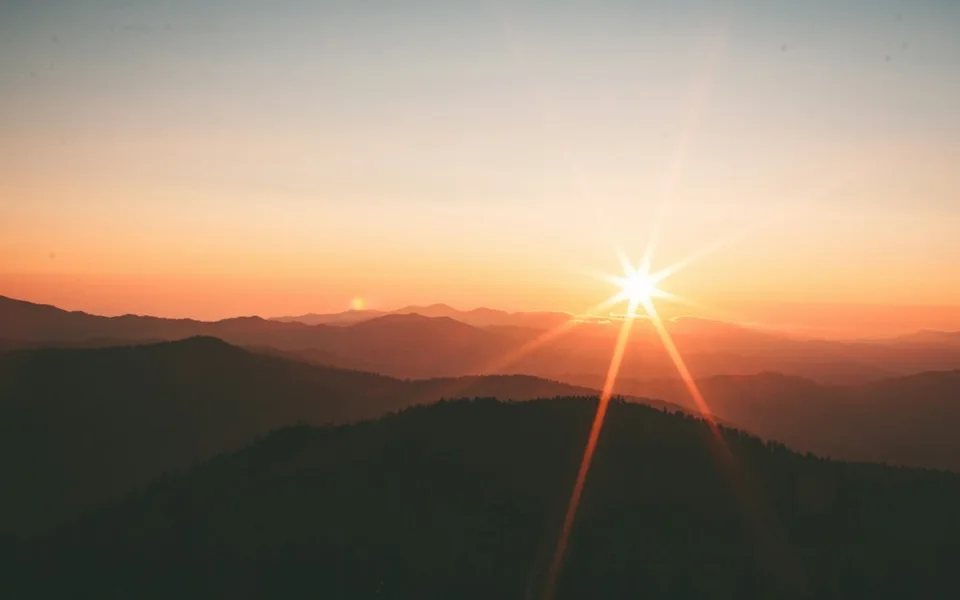
Concept photograph. Not generated by EveryGen AI.
A brief today. A video workflow next.
There is no connected model, credit charge or video output in this preview. Use the brief to organize an idea; saving it does not queue a generation job.
Need a starting point? Browse templatesPrompt study
A visual brief to carry into this workflow
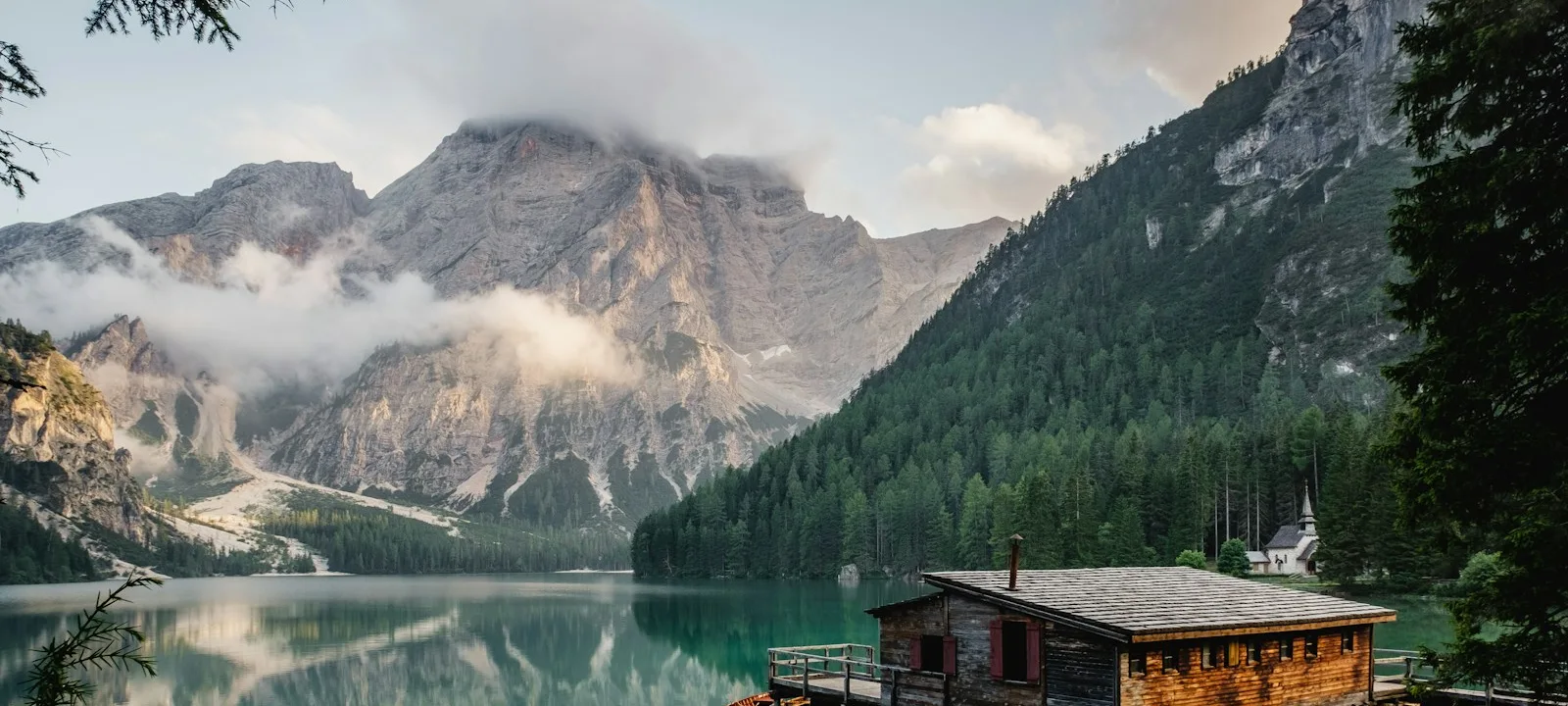
A timed one-take study
0–2s: wide mountain lake at dawn, cabin on the right third. 2–6s: camera makes one slow forward move as mist crosses the reflection. 6–10s: hold the cabin and shoreline geometry while the mist clears slightly. One continuous take, one subject, restrained natural colour, no text, no cut.
Open the brief preview